
Install IPTV Smarters PRO · on your Android TV
Follow the steps
- 1
Visit iptvsmarters.com and take the APK
In the TV browser open iptvsmarters.com, scroll to the downloads and select Download APK for Android.
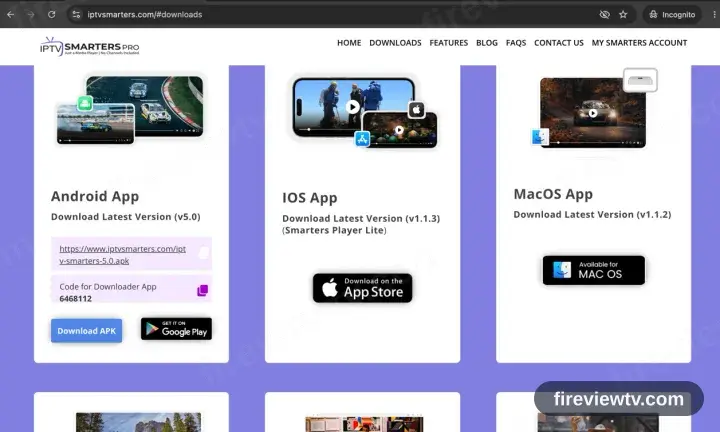
IPTV Smarters Pro is absent from Google Play. The APK on the official site is the only supported route.
- 2
Install the file, then open the app
Open the downloaded package and confirm. Authorise the browser or file manager if prompted, then launch IPTV Smarters Pro.
- 3
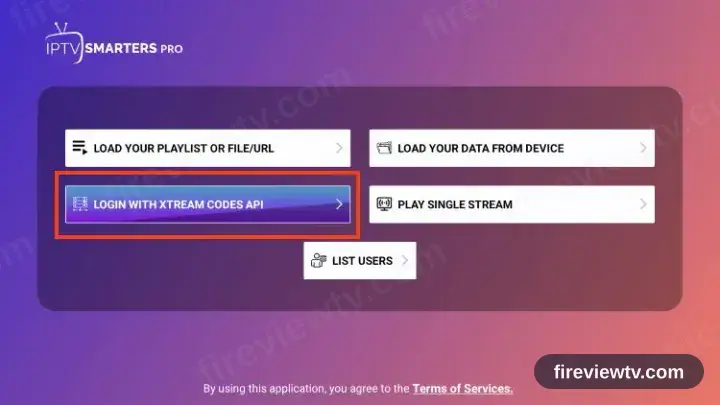
Select “Login with Xtream Codes API”
The welcome screen offers two methods. Take the Xtream Codes API option; ignore the M3U one.
- 4
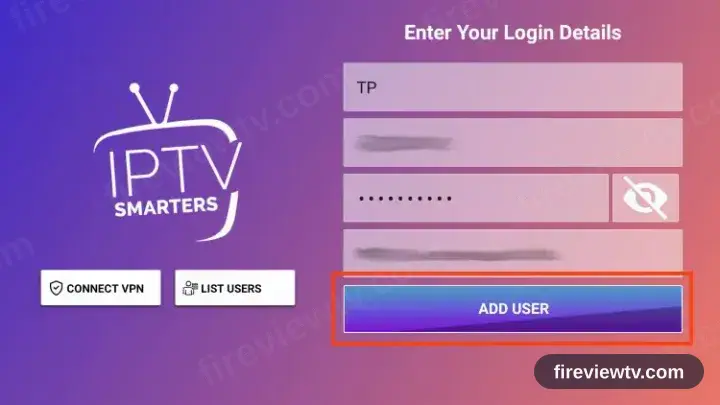
Fill in the three fields
Copy the server URL, username and password from your activation email. All three are case sensitive.
- 5
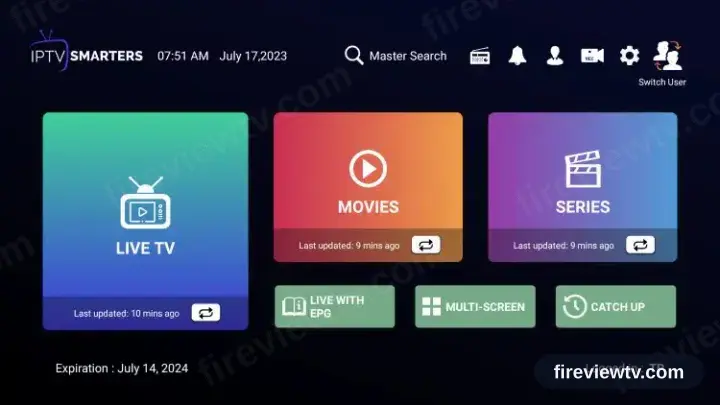
Playback time
The channel list, films and series load in. Select a channel to begin playback.
Installing IPTV Smarters PRO on Android TV: what is different
Android TV and Google TV boxes install IPTV Smarters PRO from the Google Play Store on the device — not from your phone's Play Store.
If IPTV Smarters PRO is not on Play for your box, Android TV does allow sideloading: install a downloader app, then enable install-from-unknown-sources for it in Settings.
Most Android TV remotes have no pointer. IPTV Smarters PRO is far easier to drive if it supports D-pad navigation, which is why it is recommended here.
Your Fireview TV login details (username, password & server URL, M3U link or MAG portal URL) are in the activation email we send right after checkout. Lost it? Contact support and we'll resend it.
Get your subscription
Get Started